Getting Acquainted
-
Printing
 Print
Print
-
Copying
 Copy
Copy
-
Scanning
 Scan
Scan
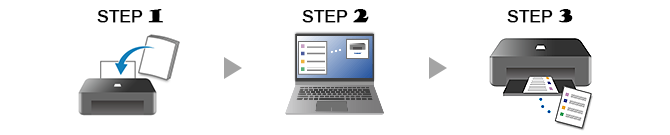
The following example introduces how to print photos.
If the operating system is different from yours, select your operating system from the drop-down list.
-
STEP

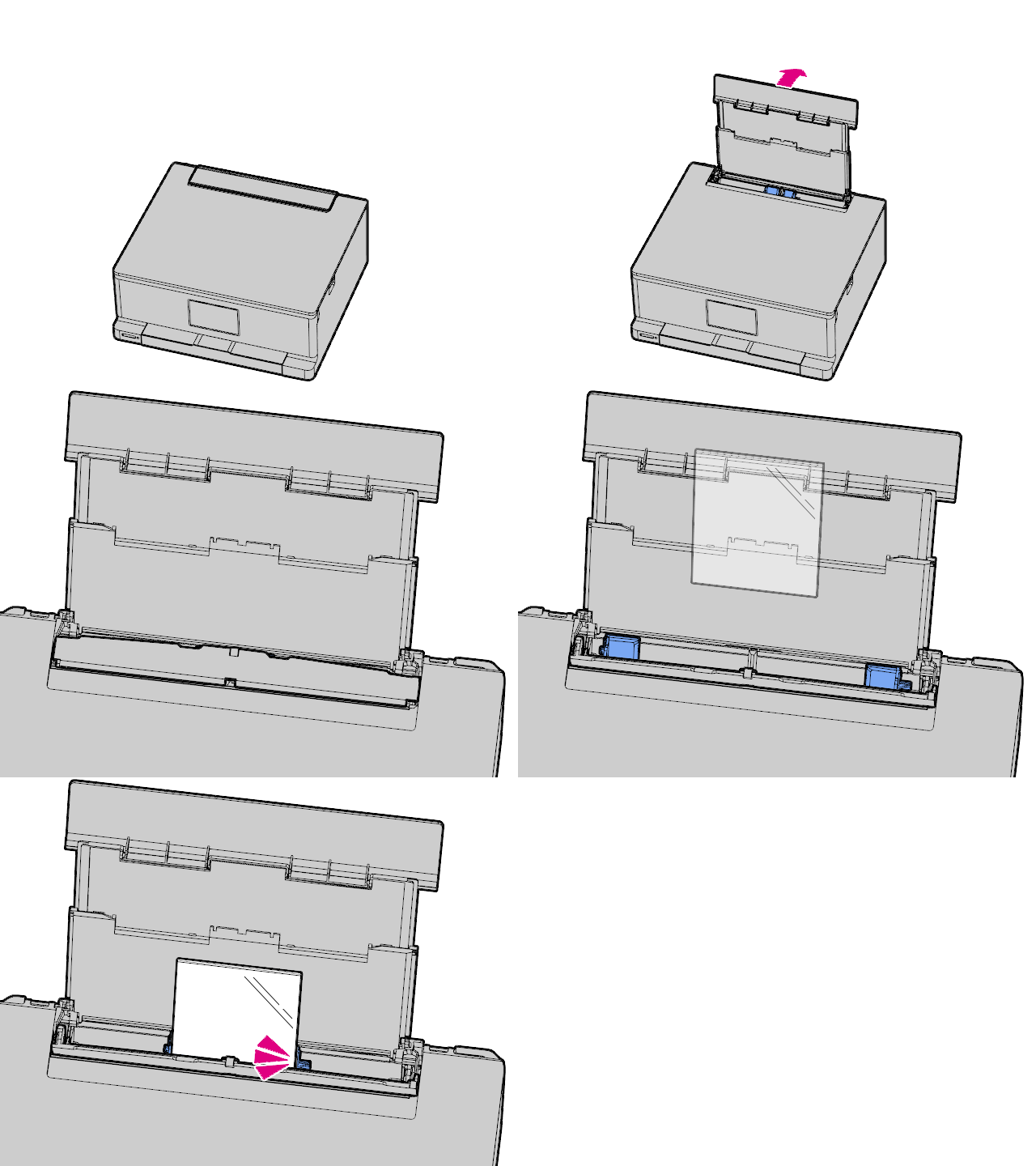
Load paper.
-
STEP

Start application.
Start
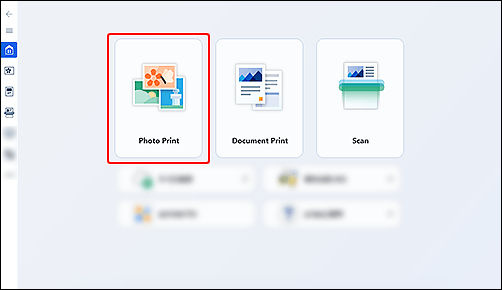
 Canon PRINT, and then select Photo Print.
If Canon PRINT has not been downloaded, see STEP 2 in If using Windows 8.1 or earlier below.
-
STEP

Print.
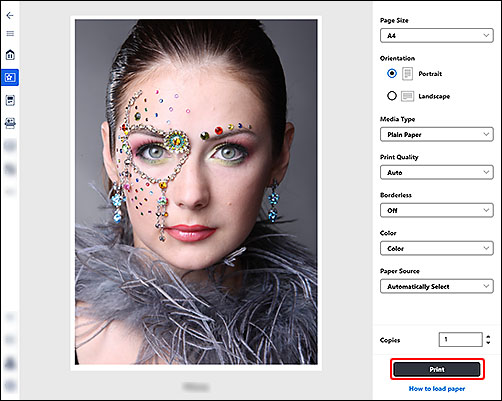
Check the settings and print.
-
Check out more print functions.
If using Windows 8.1 or earlier
-
STEP
Load paper.
-
STEP
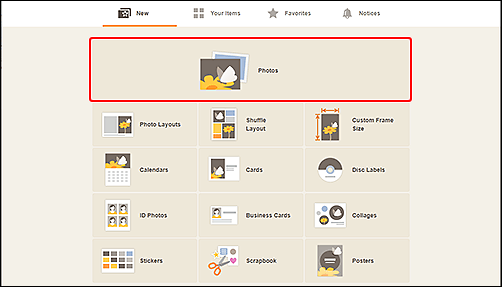
Start application.
Start
 Easy-PhotoPrint Editor, and then select Photos.
 -
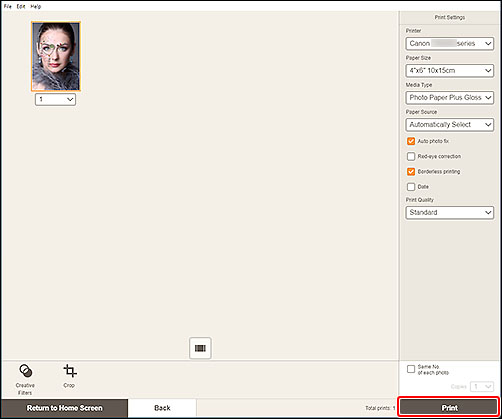
STEP
Print.
Check the settings and print.
-
Check out more print functions.

Find out more about what your printer can do.
